
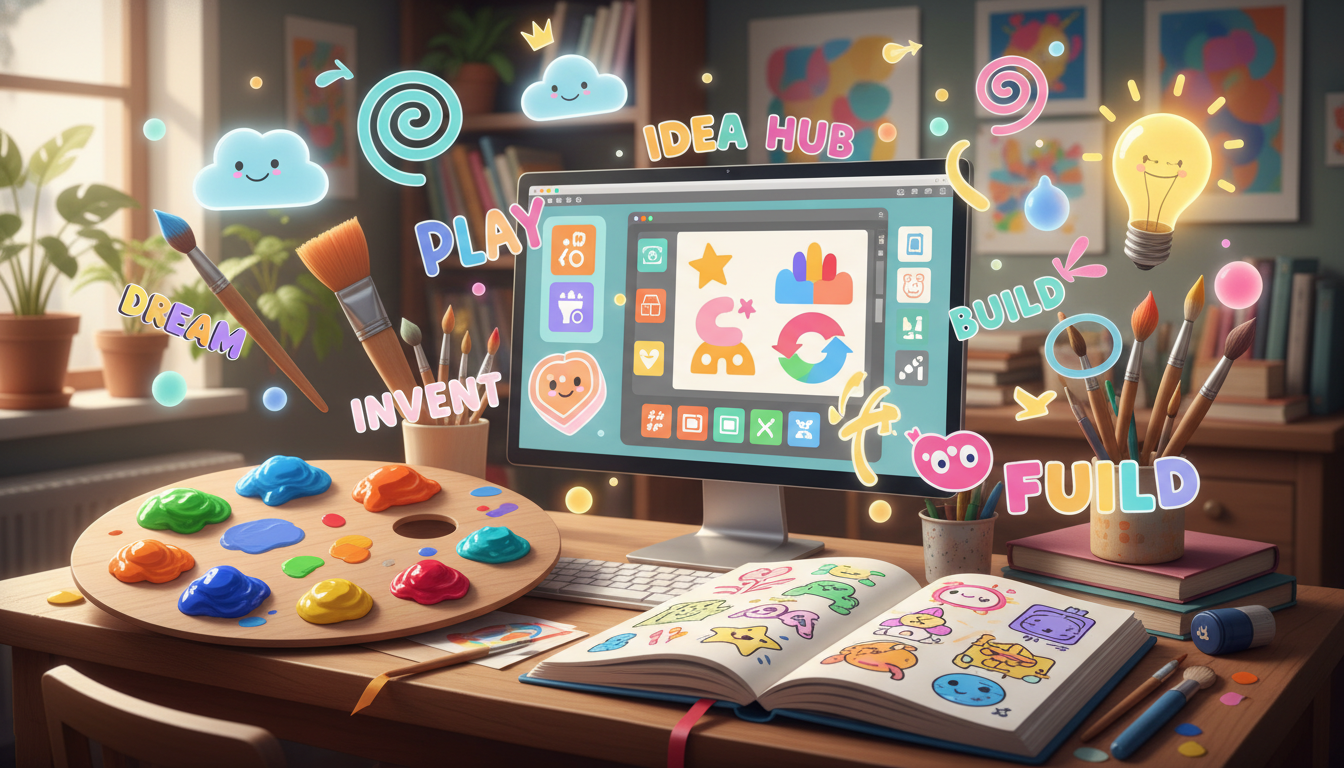
How to Create a Logo for Your Freelance Design Business
Quick Answer
Creating a logo for your freelance design business is about expressing your unique style. Start by defining your artistic identity, choosing colors, fonts, and images that represent your work, and think creatively about how to visually communicate your brand.
Designing a logo for your freelance art and design business can be an exciting and rewarding process. It’s not just about making something that looks good; it's about reflecting who you are as a designer and what your work represents. Here’s a step-by-step guide to help you create a logo that captures your unique style and appeals to potential clients.
### Step 1: Define Your Artistic Identity
Before you even pick up a pencil or open a design program, take some time to think about your artistic identity. Ask yourself a few key questions:
- **What type of art or design do you want to offer?** This could be anything from digital illustrations to traditional art forms, logo design, or even specific niches like character design or fan art.
- **What three words best describe your style?** For example, if your work has a playful and colorful vibe, you might choose words like "vibrant," "whimsical," and "bold."
### Step 2: Research and Inspiration
Look for inspiration by exploring other logos in your field. You can check design websites, social media platforms, or even local businesses to see what types of logos resonate with you. Pay attention to:
- **Color schemes:** Different colors evoke different emotions. For instance, blue often represents trust, while red can convey passion.
- **Typography:** The font you choose can significantly impact the perception of your brand. A modern sans-serif font might suggest innovation, while a handwritten font can feel personal and approachable.
- **Imagery:** Think about what symbols or images could represent your work. If you create whimsical illustrations, you might consider incorporating playful elements like stars or animals.
### Step 3: Sketching and Drafting
Now it's time to start sketching. Grab a sketchbook or open a design software and begin doodling ideas based on your earlier reflections. Don’t worry about perfection; focus on getting your ideas onto paper. You can refine them later.
- **Experiment with different layouts:** Try placing text and images in various arrangements. Sometimes, a simple tweak can lead to a more balanced and visually appealing logo.
- **Create multiple drafts:** Don’t settle for the first idea you have. Create several versions of your logo and take a step back to evaluate them. Which one feels the most ‘you’?
### Step 4: Digital Design
Once you have a draft you like, it’s time to digitize your logo. You can use graphic design software like Adobe Illustrator, Canva, or free tools like Inkscape. Here are some tips:
- **Vector graphics** are ideal for logos because they can be resized without losing quality.
- **Keep it simple:** A clean and straightforward design is often more memorable than a complex one.
### Step 5: Feedback and Refinement
After you’ve created a digital version of your logo, seek feedback from peers, friends, or family. Ask them what they think about its visual appeal and whether it accurately represents your artistic identity. Use their feedback to make any necessary adjustments.
### Step 6: Finalize and Submit
Once you’re happy with your logo, save it in various formats (like PNG and SVG) for different uses. Make sure to submit your final logo image as per your assignment's instructions.
By following these steps, you'll not only create a logo that represents you as a freelance artist or designer but also gain valuable experience in the design process. Remember, the key is to express your individuality and creativity in your logo design!
Was this answer helpful?